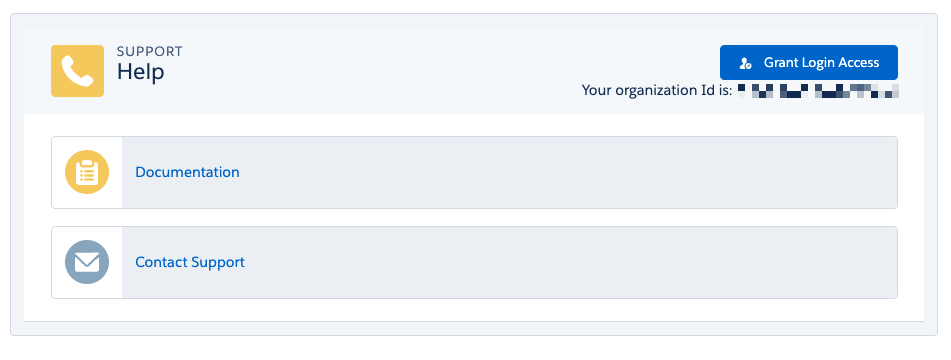
At the top of this section is a button to Grant Login Access to a Natterbox engineer on a temporary basis. If investigation of a problem is needed to diagnose it correctly, Natterbox Support may request access: click this button to open a shortcut to the Salesforce setup page for granting access. Select the amount of time required from the Access Duration drop down list for Natterbox Ltd Support and click Save.
 Beneath the button is the organization ID of the currently logged in Salesforce organization. This is helpful to share with our support team so they can find the correct org to login to.
Links
Documentation - this is a link to the Natterbox Knowledgebase homepage.
Contact Support - this is a link to the Natterbox Support page on the Help Center to raise a support case.