Your Natterbox voicemails are available in the Natterbox Mobile app, where you can view and play your personal voicemails, directly in the app. There are extensions that can be dialled from the Mobile App (the same as the CTI) to access both personal and group voicemails.
Personal Voicemails
Listening to Your Personal Voicemail
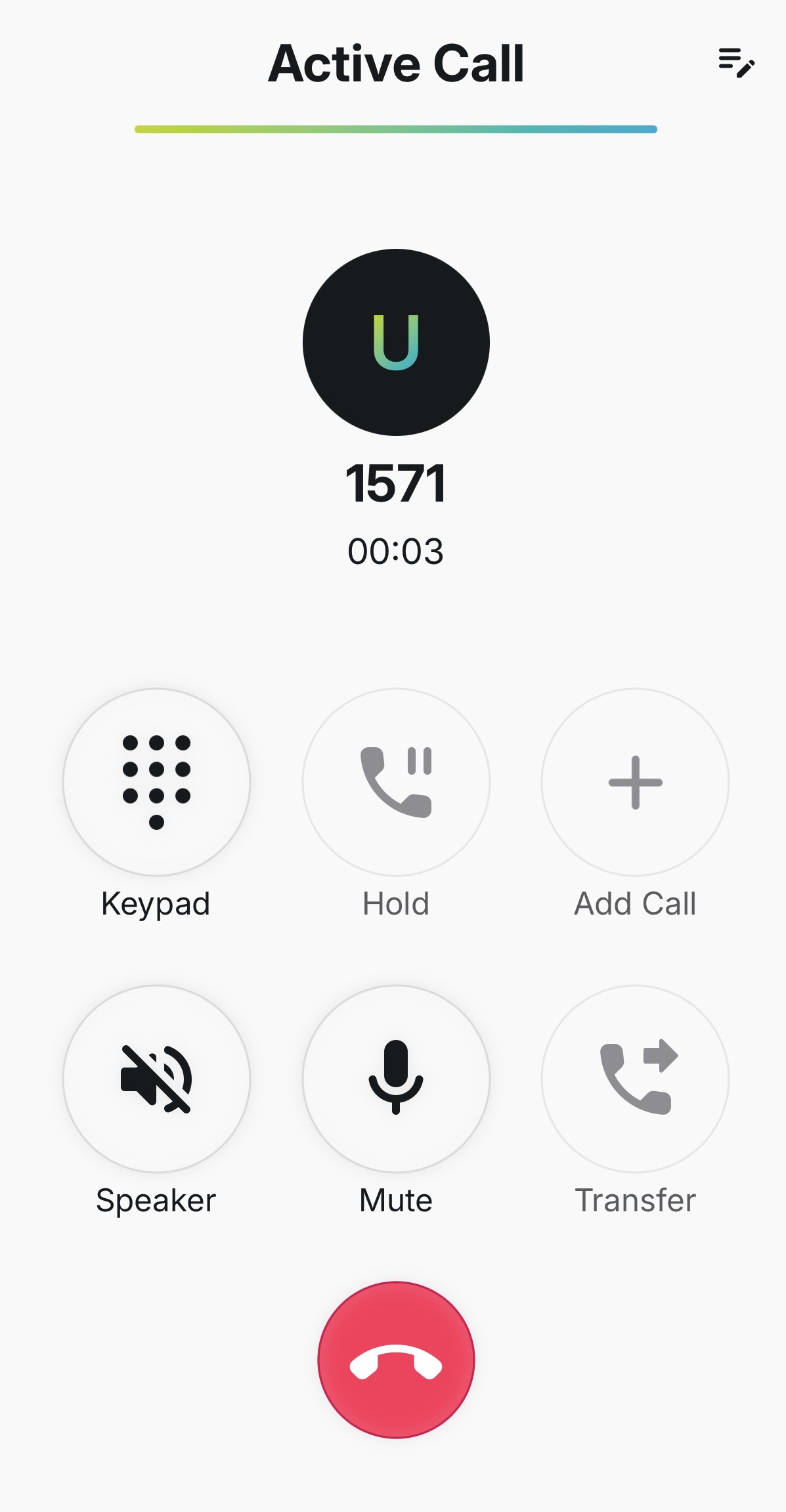
To listen to your personal voicemail, you can dial 1571 into the dial pad. A voice prompt will guide you through the options: how to listen to new voicemails, delete voicemails and forward voicemails to other extensions.
You also can see personal voicemails in the Natterbox CTI from the Voicemail tab.
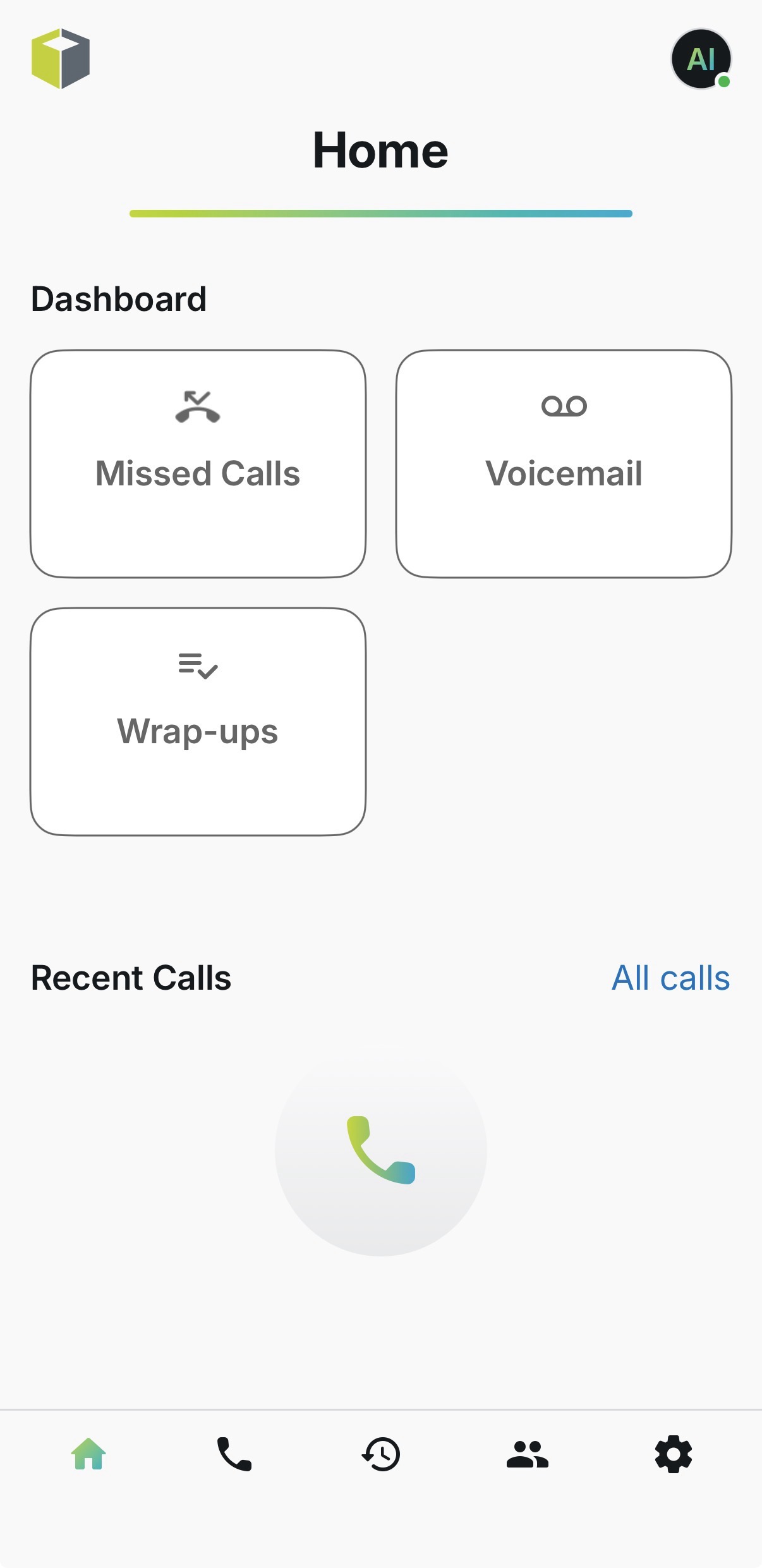
There is also a filter button and a search bar to help you find the voicemails you are looking for.
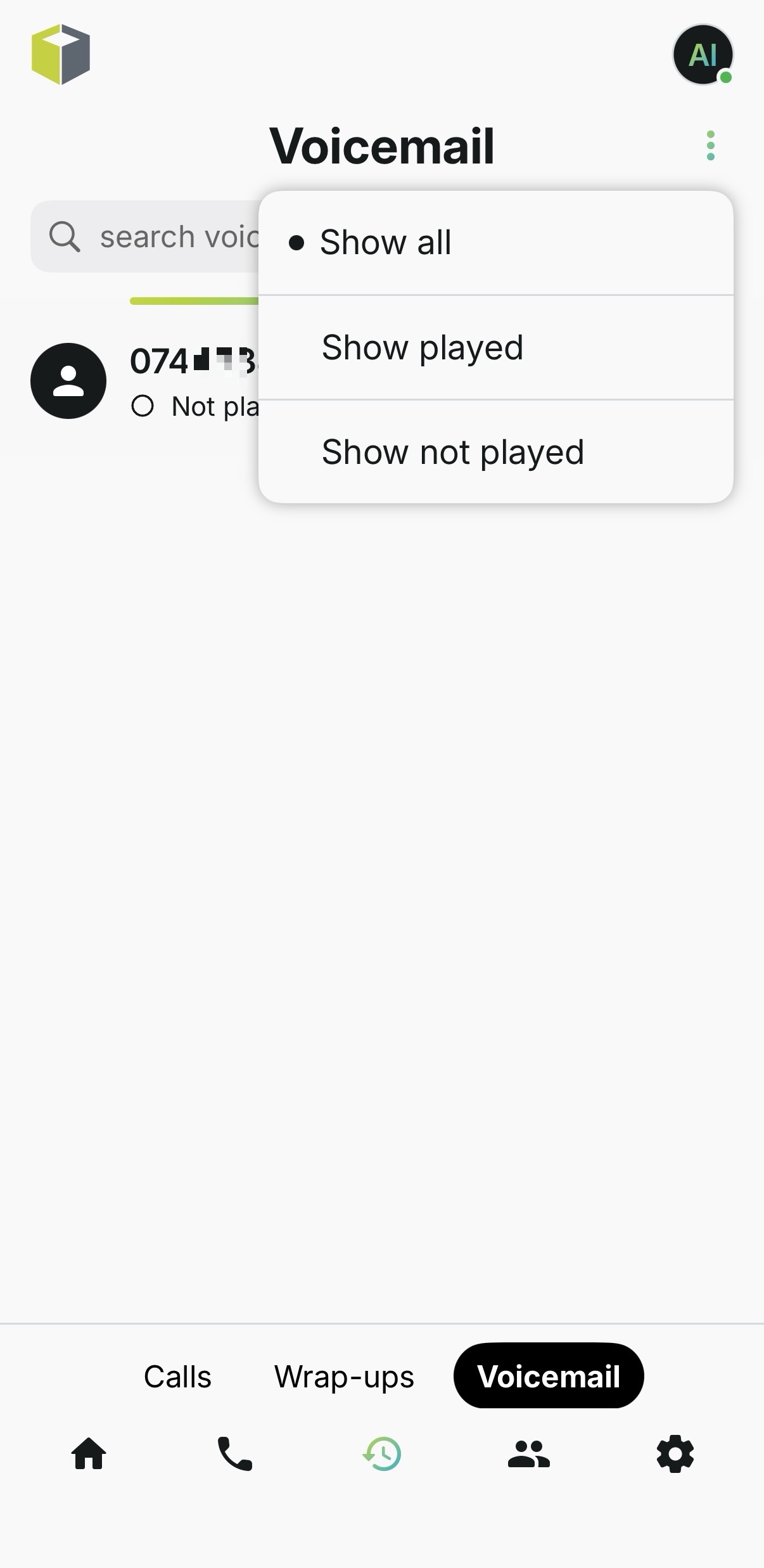
By clicking on the row, you can listen to the voicemail.
Setting Up a Custom Greeting on your Personal Voicemail
To set up your personal voicemail, dial 1571 from the dial pad. A voice prompt will guide you through the setup process, including how to record a personalised greeting.
Group Voicemails
Accessing a Group (Shared) Mailbox
Some teams use a shared group mailbox rather than a personal one. Most shared inboxes are setup to email the recording to an email address. Sometimes, you might also want to access the voicemail from the CTI (or the Mobile App).
To listen to a group mailbox's messages you will need to do the following (the system will prompt you to enter the extension and pin):
Dial 1572 from the dial pad
Then enter the group extension (you can find the group extension by typing the name of the group into the internal search bar).
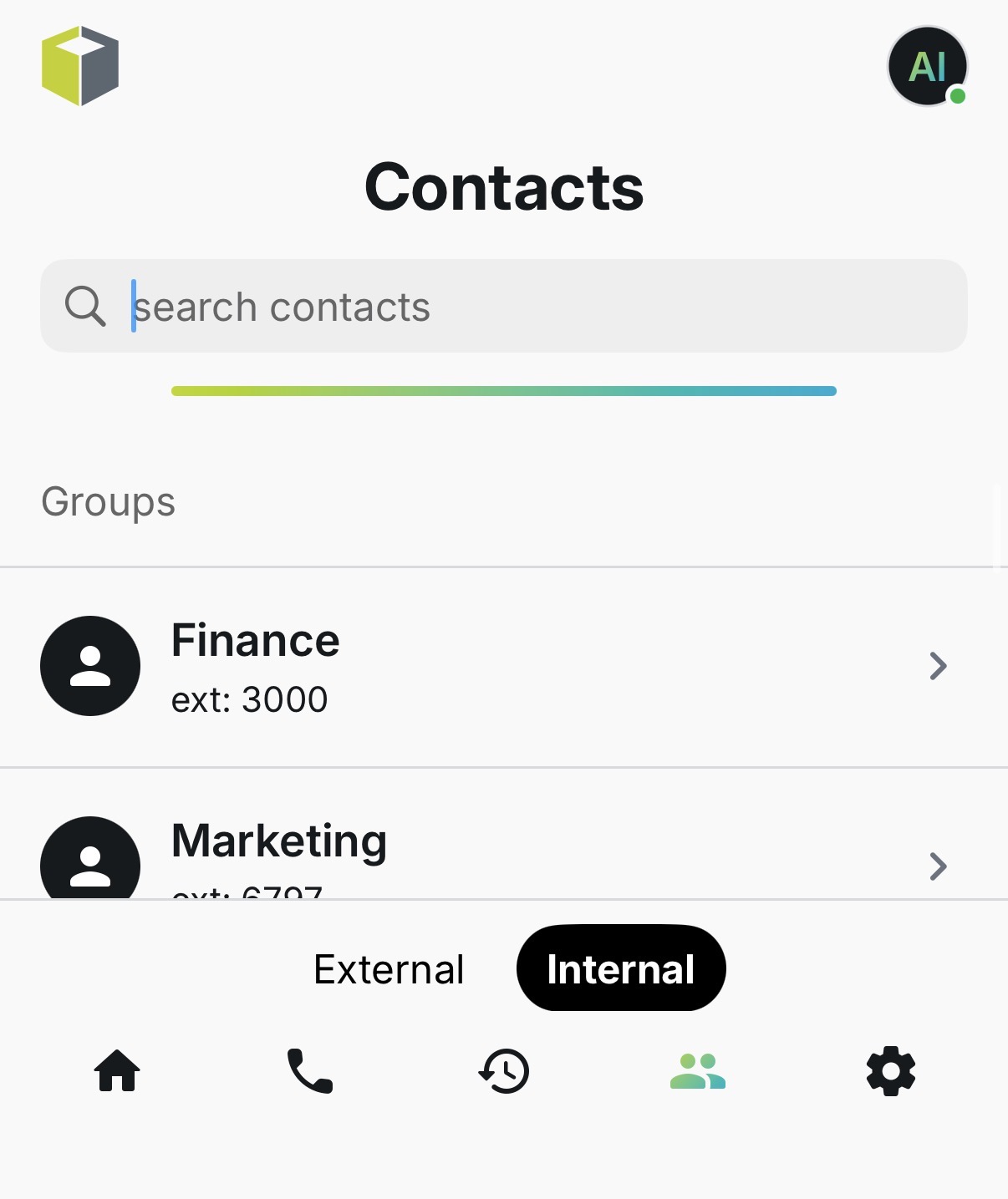
Finally, enter the group's four-digit PIN. If you do not know the group pin, ask your Natterbox Admin. If they don’t know it or if it needs to be reset, someone from your team will need to contact Natterbox Support.
FAQs
When should I use 1571 or 1572?
Dial 1571 to set up and listen to your own personal voicemail. Dial 1572 to access a shared group mailbox (this also requires the group extension and the group's four-digit PIN).
I do not know my group mailbox PIN. What should I do?
Please contact Natterbox Support to have it reset.
I am still having problems with my voicemail. Who can help?
If you are having issues with your voicemail settings, please ask your Natterbox admin to contact Natterbox Support.